Thank you for registering!
Here is your code:
<style>
button /* this is the normal state of your buttons */ {
color: #ffffff; /* choose your text color */
background-color: #d62828; /* choose your background color */
box-shadow: rgba(0, 0, 0, 0.4) 0px 6px 19px 5px; /* choose your shadow color */
transition : 300ms; /* set your speed */
transform: translateY(0);
cursor: pointer;
text-shadow: 3px 4px 2px rgba(0,0,0,0.1); /* choose your text shadow color */
padding: 10px 30px; /* choose your padding */
border: 2px solid #0066cc; /* choose your border */
}
button:hover /* this is the hover state of your buttons */ {
color: #ffffff; /* choose your text color on hover */
background-color: #b52323; /* choose your background color on hover */
transition : 300ms; /* set your speed */
transform : translateY(-2px); /* set your movement up or down on hover*/
box-shadow: rgba(0, 0, 0, 0.1) 0px 1px 2px 2px; /* choose your shadow color on hover */
text-shadow: 2px 2px 2px rgba(0,0,0,0.1); /* choose your text shadow color on hover*/
padding: 10px 60px; /* choose your padding on hover*/
border: 2px solid #d62828; /* choose your border on hover*/
}
</style>
It is important to set a action when button is clicked (next step url)
otherwise it won't work.
To view the result you need to preview your funnel page in the browser.
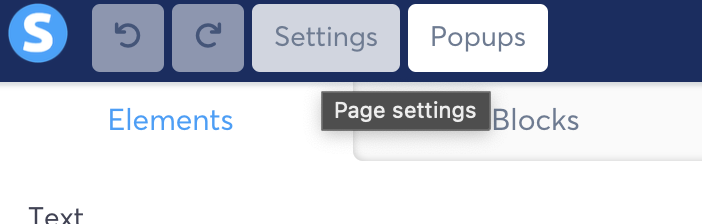
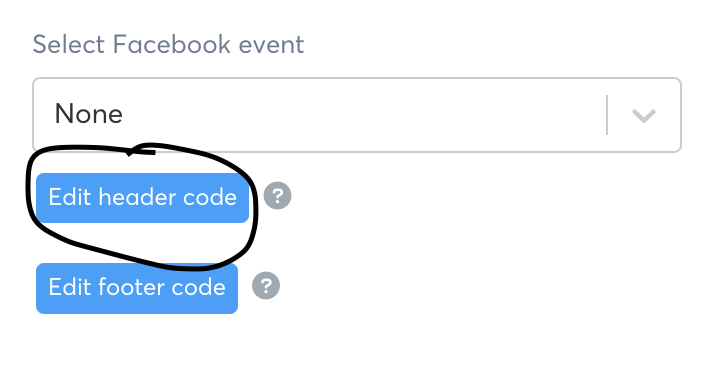
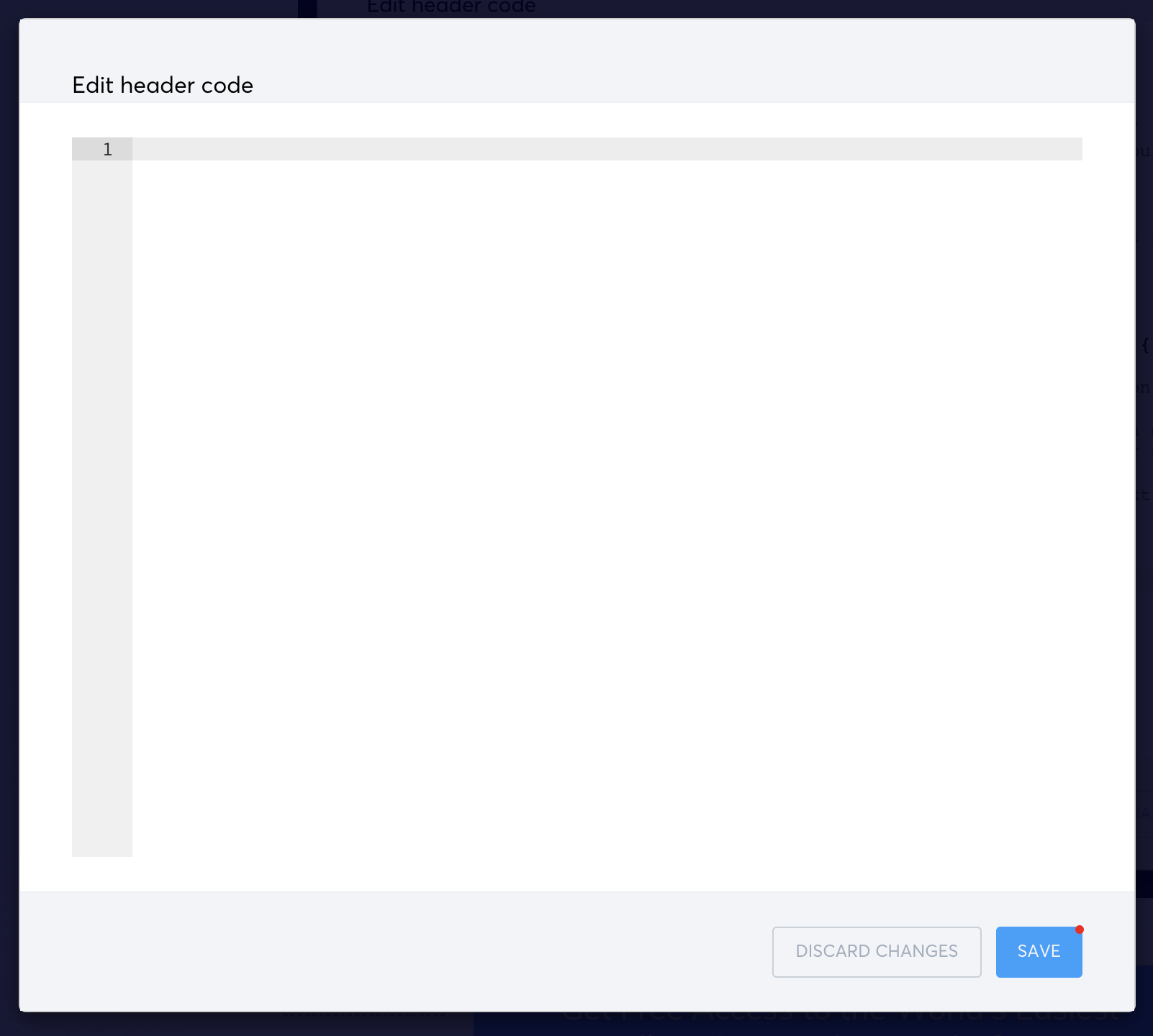
You need to copy and paste this code inside the page settings of your page: